 sinra
sinra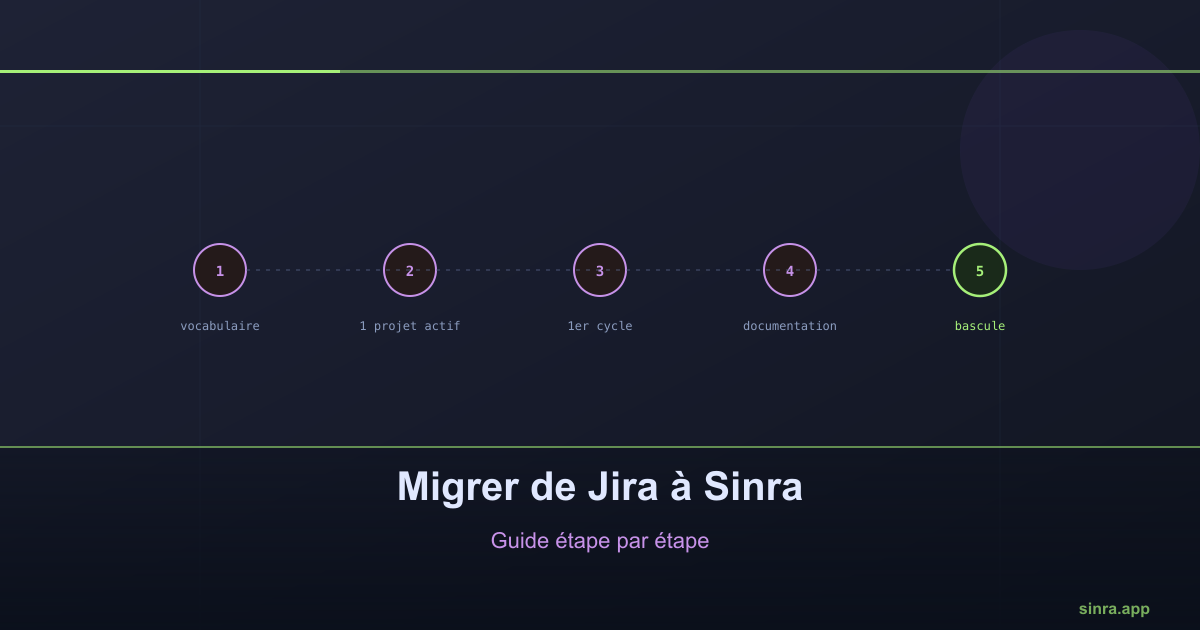
Migrating from Jira to Sinra: a Step-by-Step Guide
A successful tool migration is not decided by the quality of imported data, but by how the team adopts it in the first two weeks.
Migrating from one project management tool to another is intimidating, for good reason: the history of work is valuable, and nobody wants to disrupt the team’s rhythm during the transition. A migration from Jira to Sinra can happen progressively, with no big bang, by following a simple plan.
Step 1: map the vocabulary before touching any data
Before any export, map Jira concepts to Sinra concepts. Tickets become issues. Epics become capabilities, a good opportunity to give them a clear completion criterion, which a Jira epic does not natively enforce. Jira versions become releases. Sprints become cycles.
This mapping takes an hour and avoids the most common confusion during a migration: recreating an identical Jira structure in the new tool, which also imports the flaws of the old organization.
Step 2: migrate one active project, not the whole history
The natural instinct is to want to migrate everything at once, full history included. That is the best way to delay getting started and demoralize the team before it has even begun using the new tool.
The safer approach: pick one active project, with a release in progress, and migrate only its current scope. Closed history can stay accessible in read-only mode in Jira during a transition period, without blocking adoption of the new tool for present and future work.
Step 3: run a first full cycle in the new tool
Before considering the migration done, run an entire cycle, from planning to closure, entirely in Sinra. It is this test cycle that reveals the team habits that need to adapt, not reading the documentation.
During this first cycle, keep Jira accessible in read-only mode as a safety net, without creating new tickets there. This simple rule prevents the team from splitting its attention between the two tools out of habit.
Step 4: migrate related documentation
Once the first cycle is validated, migrate the pages documenting the active project: specs in progress, technical glossary, recent architecture decisions. Again, prioritize what is actively consulted over the full documentation history.
Step 5: expand to other projects and close the old tool
Once one project has run stably in Sinra for two to three cycles, expand the migration to the team’s other projects. Fully closing Jira only happens after this validation period, never before.
The most common pitfall
The most frequent mistake in a tool migration is not technical, it is organizational: wanting to migrate the entire history and configuration at once, out of a desire for completeness. This approach delays real adoption and gives the team the impression of managing two tools in parallel longer than necessary. A progressive migration, centered on active work, is almost always faster in practice than an exhaustive migration planned to be perfect from day one.
Ready to Transform Your Project Management?
Apply these insights with Sinra - the unified platform for modern teams.
Start Free Trial