 sinra
sinra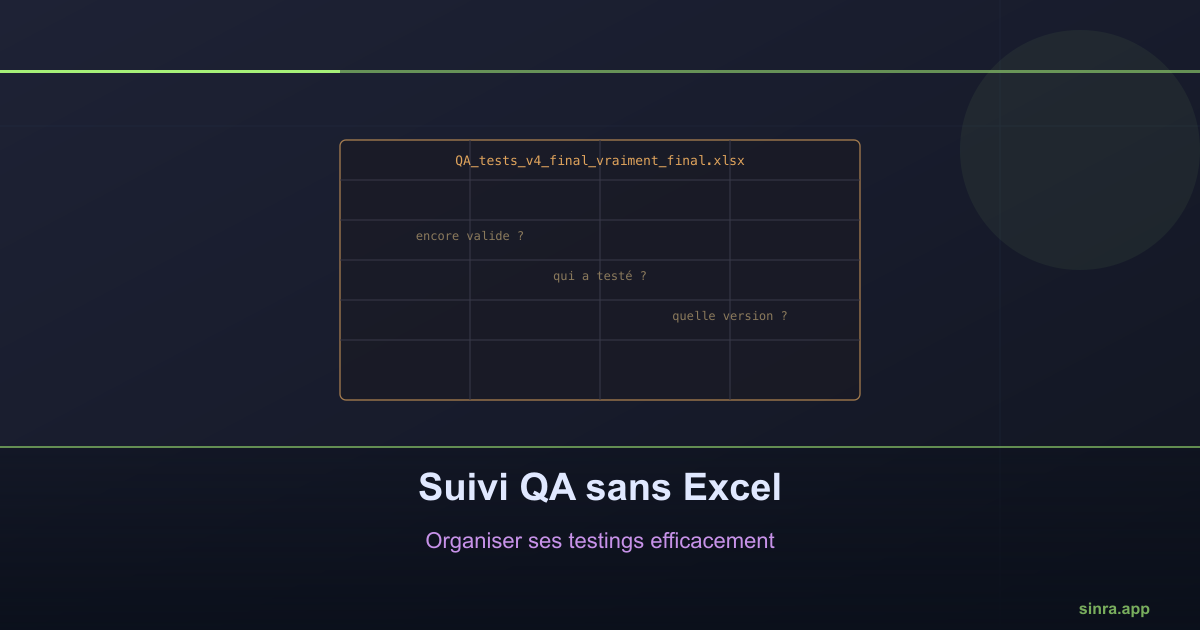
QA Tracking Without Excel: Organizing Your Testings Efficiently
An Excel file of test cases works fine for three people over three months. After that, it becomes a file nobody dares touch for fear of breaking a formula.
Many teams start their QA tracking in a spreadsheet: it is quick to set up, everyone already knows how to use it, and for a handful of test cases, it works fine. The problem shows up later, once the spreadsheet has grown and the original structure no longer holds.
How a QA spreadsheet degrades over time
A QA tracking file starts simple: one row per test case, a status column, a date column. As the product grows, new columns get added to capture unforeseen needs: environment tested, version concerned, assigned person. The file grows wide, hard to read without scrolling in both directions.
The real problem is not size, it is reliability. Nothing stops two people from editing the same row at the same time. Nothing signals that a test case has not been rerun since the last major product version. Nothing automatically links a test case to the issue or capability it validates: that link exists only in the memory of whoever created the row.
The most telling symptom
The most reliable signal that spreadsheet-based QA tracking has hit its limit: someone asks “is this case still relevant?” about a row created a year earlier, and nobody can answer with certainty without manually retesting. At that point, the spreadsheet no longer saves time: it costs time, because you have to verify its own reliability before trusting it.
What structured tracking needs to provide
A structured testings system needs to cover needs the spreadsheet does not natively address:
A direct link to actual work. A test case should be attached to the capability or issue it validates, not referenced by an ID that has to be looked up elsewhere.
A freshness state. Knowing when a test case was last executed, and against which version, without having to manually recalculate that information.
Traceable execution per release. Being able to answer “which tests were executed and validated for this specific release” with a recorded state, not a reconstruction after the fact.
How Sinra structures this tracking
In Sinra, testings live at the same level as issues and capabilities, with the same native linking mechanisms. A test case can be directly attached to the capability it covers, executed as part of a cycle or a release, and its result stays recorded and viewable without manual reconstruction. The “can we ship” question from the release checklist relies directly on this state, instead of a separate spreadsheet that would need to be cross-referenced by hand.
The right time to switch
There is no universal row-count threshold at which a QA spreadsheet becomes unfit for purpose. The right indicator is behavioral: as soon as the team starts avoiding touching the file for fear of breaking it, or spends more time verifying its consistency than actually testing, the structure has stopped serving its original purpose.
Ready to Transform Your Project Management?
Apply these insights with Sinra - the unified platform for modern teams.
Start Free Trial