 sinra
sinra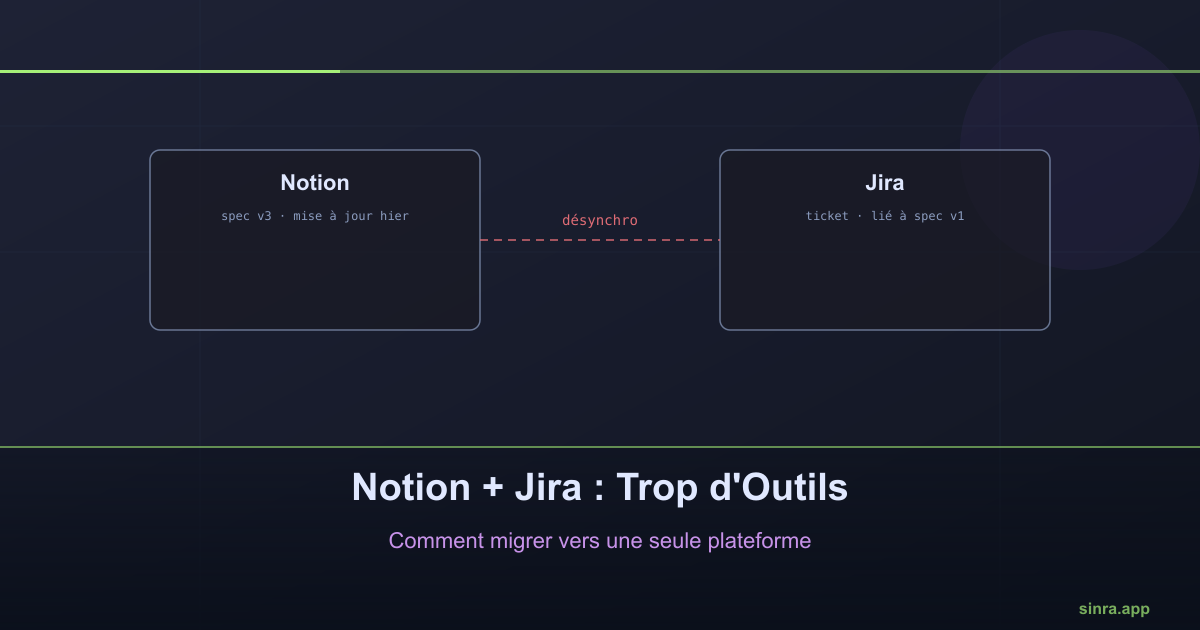
Notion + Jira: Too Many Tools, How to Migrate to a Single Platform
Notion to document, Jira to track: two excellent tools separately, a constant source of drift together.
Notion for documentation, Jira for work tracking: this is one of the most common tool combinations among product and development teams. Each tool, taken separately, does what it was built for well. The problem shows up at the boundary between the two.
The invisible cost of duplication
A technical spec is written in Notion. The Jira ticket that follows from it links back to the Notion page. So far so good. Then the spec evolves: an implementation detail changes mid-development, a constraint appears. Someone updates the Notion page. The Jira ticket does not automatically change with it.
Six months later, a new hire reads the Notion page and implements according to a version that no longer matches what was actually shipped. Nobody lied, nobody was careless: it is the two-tool structure itself that makes this drift almost inevitable.
Two truths, one question
When a piece of information exists in two systems, the question “where is the truth” stops having a simple answer. Is it the last updated Jira ticket? The latest version of the Notion page? The last Slack comment about it? Each system has its own update timeline, and nothing forces them to stay aligned.
This dispersion has a direct, measurable cost: the time spent looking for the right information before you can even start working on it.
What merging into a single tool changes
Sinra was built so that documentation and work tracking live in the same system, with native links between them instead of copy-pasting across tools. Pages document, issues and capabilities track the work, and a capability can directly reference the page that describes it. When the spec changes, the link stays alive: it is not a frozen copy made at ticket creation time.
The technical glossary, in particular, illustrates this approach: instead of a static Notion document nobody rereads, terms become living @mentions, automatically updated everywhere they are referenced.
How to migrate without breaking everything
Migrating from Notion + Jira to a unified tool does not have to happen in one day, but it does not need to be a risky big bang either. The safest approach:
Start with a single work cycle. Migrate one cycle or release in progress rather than the full history, to validate that the new workflow works before switching completely.
Identify the Notion pages that document active work, not the full history. Documentation for a project finished a year ago does not need to be migrated first.
Keep Jira read-only during the transition, long enough for the team to get its bearings, rather than cutting off access immediately.
The signal that it’s time
The clearest sign that a Notion + Jira combination has reached its limit: someone on the team asks “is this up to date?” about a page or a ticket, regularly, without getting an immediate and reliable answer. When that question becomes a collective reflex rather than an exception, the dispersion between tools is no longer a minor inconvenience: it has become a structural cost.
Ready to Transform Your Project Management?
Apply these insights with Sinra - the unified platform for modern teams.
Start Free Trial