 sinra
sinra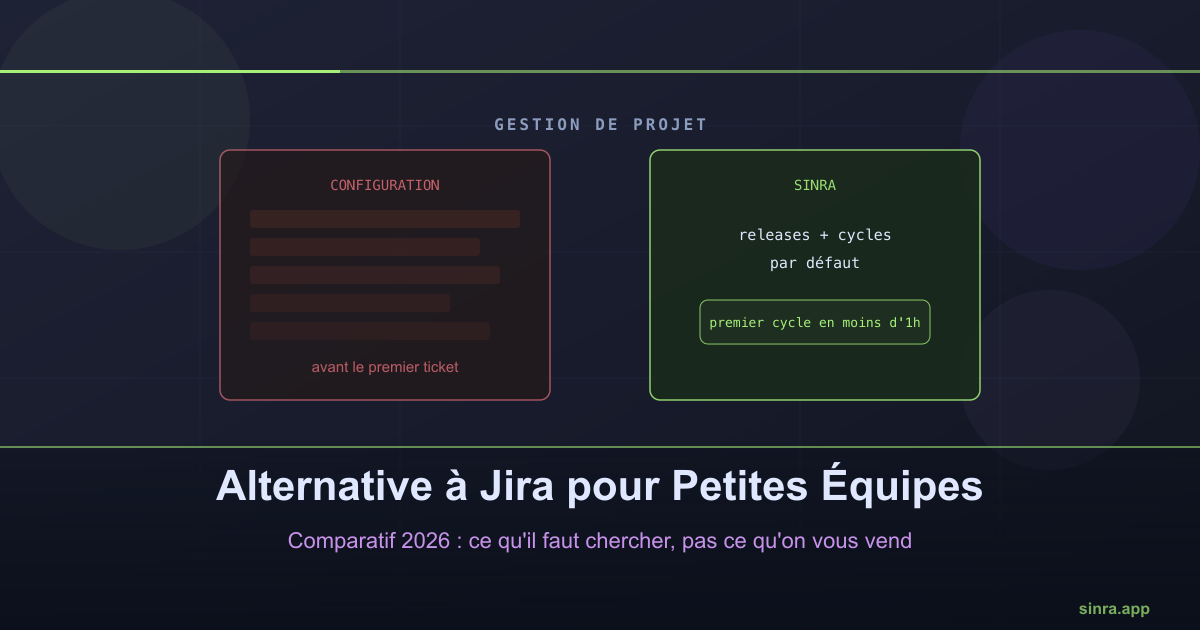
Best Jira Alternative for Small Teams in 2026
Jira was built for organizations with hundreds of developers. A team of 5 to 15 people pays the same configuration cost for a tenth of the need.
Jira has dominated the software project management market for almost twenty years. It is also, historically, a tool built for large organizations: IT support teams, departments with hundreds of developers, formalized ITIL processes. A small team that adopts Jira inherits all that complexity, even if it will never use 90% of the features.
The symptom: too much configuration before the first ticket
Creating a Jira project means choosing a workflow type, defining statuses, configuring permission schemes, setting up custom fields. For a team of 5 to 15 people, this phase often takes longer than the first week of actual work it is supposed to organize.
The problem is not that Jira does things badly. It is that it does everything, and a small team has to manually filter what applies to it. Every new hire rediscovers this complexity, and nobody on the team has the time or desire to become a part-time Jira administrator.
Abstract vocabulary adds another layer of friction
Epics, story points, sprints, a backlog that is not prioritized by default: Jira’s vocabulary comes from Scrum, a framework built for teams applying a full methodology, with a dedicated Scrum Master. A small team without that role is constantly translating the tool’s vocabulary into its actual working reality.
This is one of the reasons Sinra chose concrete vocabulary instead of abstract terms: issues for individual work, capabilities to group features, releases for product versions, cycles for work periods. No epic to define, no story point to estimate before knowing what it actually represents.
What to look for in an alternative
Before comparing feature lists, three criteria matter more for a small team:
Time to get started. A team of 10 people should be able to create its first work cycle in under an hour, not a week of configuration.
The price-per-user ratio at this size. Many tools built for the enterprise apply pricing tiers that penalize small teams proportionally more than large ones.
Readability for everyone, not just the administrator. If only one person on the team understands the configuration, the tool becomes a point of fragility rather than a source of clarity.
How Sinra approaches this differently
Sinra was built against the “configure first, work later” logic. Releases and cycles exist by default, with no schema to set up. Capabilities organize work at a more readable level than a generic epic. Projects give a long-term roadmap view without replacing the daily work of releases and cycles.
The concrete result: a team can create its organization, invite its members, and have a first active cycle running the same day, with no prior configuration phase.
The real test
The best way to judge a project management tool for a small team is not to compare feature tables. It is to ask a simple question: after one hour of use, does the whole team know where to look to see what is planned, what is in progress, and what is left before the next release? If the answer requires an explanation, the tool is probably not sized right for the team.
Ready to Transform Your Project Management?
Apply these insights with Sinra - the unified platform for modern teams.
Start Free Trial